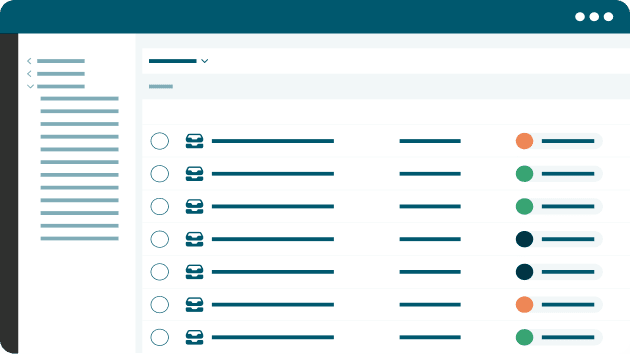
Cloud-native platform
Nuxeo Platform works how and where you want it to. Keep your information secure with a cloud-first platform trusted by some of the world’s largest companies.
Adaptable AI
Nuxeo Insight empowers smarter predictions without a team of data scientists. Business-specific artificial intelligence is just a few clicks away.
Scalability and performance
Cloud-first, modular architecture scales horizontally and independently, matching even the heaviest workloads in real time to deliver high performance.
Digital asset management capabilities
Place rich media assets at the center of the digital supply chain and connect data and information across the organization.
Workflows
Workflow management and automation systems can deliver the business efficiencies today’s enterprises require to remain competitive.
Extensibility
Nuxeo Platform features an extensive, document-oriented REST to create, query and manage a command-oriented API for complex content interactions.